Thank you to everyone who joined Precision at scale: Introducing IPRally Intelligence. Across our EU and US sessions, you sent in more questions than we could answer live, and most of them went straight to how Intelligence behaves on real landscape and portfolio work.
Below we answer the questions we didn't get to, grouped by theme. We have also included the ones we answered live that are worth having in writing.
Analyst AI and dataset size
Q: How many documents can Analyst AI analyse at once?
A: In the preview, Analyst AI works across up to 500 patents in a single question. Each document is read in full, and the cap keeps answers fast and grounded in the complete text of every patent in the set.
Q: My landscape has around 6,000 families. How do I analyse it with Analyst AI?
A: Split the set first, then analyse each part. Run Smart Tags across the wider set (up to 5,000 documents per run) to divide it by technology, applicant or problem area. Then run Analyst AI on each part of up to 500 documents.
For a comparison of two large portfolios, build a curated set per company around the technology you want to compare. Focused questions on curated sets give sharper answers than one broad question across thousands of documents.
Several of you told us 500 is too few for your work. We have heard that larger sets matter, and it is shaping what comes after the preview.
Q: How are the 500 documents selected, and what if relevant documents fall outside them?
A: Analyst AI works on the set you point it at: a project, a search, a collection or an IPRally Agent run. The 500 are exactly the documents you select, so you decide what goes into the analysis. Curate the set in a project or collection before you ask.
Q: Are the chronology, technical development and key documents drawn only from those 500?
A: Yes. Analyst AI answers from the documents in the set you give it, so a chronology or a list of key documents reflects that set. Validating key documents with citation analysis is a good suggestion, and we have passed it to our product team.
Q: Do I need to phrase a precise question, or can I describe what I want?
A: Describe what you need in plain language. Analyst AI rewrites your request into a question for each document before running it. Clear scope still helps: say what to compare, which part of the patent matters (claims, the problem solved, the applicant) and the format you want back.
Trust and verification
Q: With general AI tools, some documents get missed or overweighted. How does Analyst AI make sure every patent is included?
A: Analyst AI rewrites your question for each document, runs it on each patent separately, and then synthesises the answers into one response. Every patent in the set gets its own pass and is treated as a separate case. That per-document step is the main difference from pasting a set of documents into a general-purpose model, where documents can drop out of the analysis without warning.
Q: How precisely can results be traced back to the source, and can a lawyer review them?
A: Every part of an Analyst AI response carries a paragraph-level citation to the patent it came from, viewable at the document level, so a lawyer or analyst can check each statement against the source text before relying on it. Final summarised Analyst AI answers refer to relevant documents in it’s analysis which can then be verified further. In patent work an answer is only useful if a person can verify it, and the citations are there to make that check quick.
Q: Does the analysis draw on technical knowledge beyond the patents under review?
A: Answers are grounded in the documents in your set, and the citations point back to them. You can ask which patents look closer to established implementations and which look more novel. The answer will be based on what the patents themselves say, so treat it as a starting point for expert review. Analyst AI has been prompted and trained to draw upon general knowledge of the technology it's interpreting to understand what the documents say. However it doesn't directly read additional sources outside of the selected documents.
Q: What are the current limitations of Analyst AI and Smart Tags?
A: In the preview:
- Analyst AI analyses up to 500 patents per question.
- Smart Tags processes up to 5,000 documents per run.
- Smart Tags reads the title, abstract and claims.
- Smart Tags does not yet run automatically on monitoring results. Run it on new results from the Monitoring tab.
- Comparing members of a patent family takes a manual step (see below).
Patent families, data and methodology
Q: Does Ask AI analyse every member of a patent family, or only one?
A: Ask AI works on the document you have open, not the whole family. Asking for all family members in the prompt will not bring the other documents into the analysis. To compare family members today, add them to a collection and run Analyst AI on that collection. You get one answer across the family, with citations to each member. Several teams have asked for easier family-level analysis, and we have passed it to product.
Q: Have you improved applicant information and family data for landscaping?
A: Analyst AI does have some basic normalization functionality in that it will search for variations of applicant names should they vary for a target applicant’s analysis, however, Intelligence Agent will come with greater normalization features for visualisation and analysis when it launches in 2027.
Q: What metrics does IPRally use to identify emerging technologies, and how new do they need to be?
A: When analysing emerging technologies, Analyst AI will use filing dates and other date-related meta data alongside LLM reasoning to categorise emerging technologies in the context of your document set and based on your initial question.
Smart Tags and how the tools fit together
Q: What is the difference between Multi-patent Ask AI and Analyst AI?
A: Multi-patent Ask AI answers questions at the level of each document, such as “summarise this patent” or “does this document disclose X?”. You get a separate answer for every document.
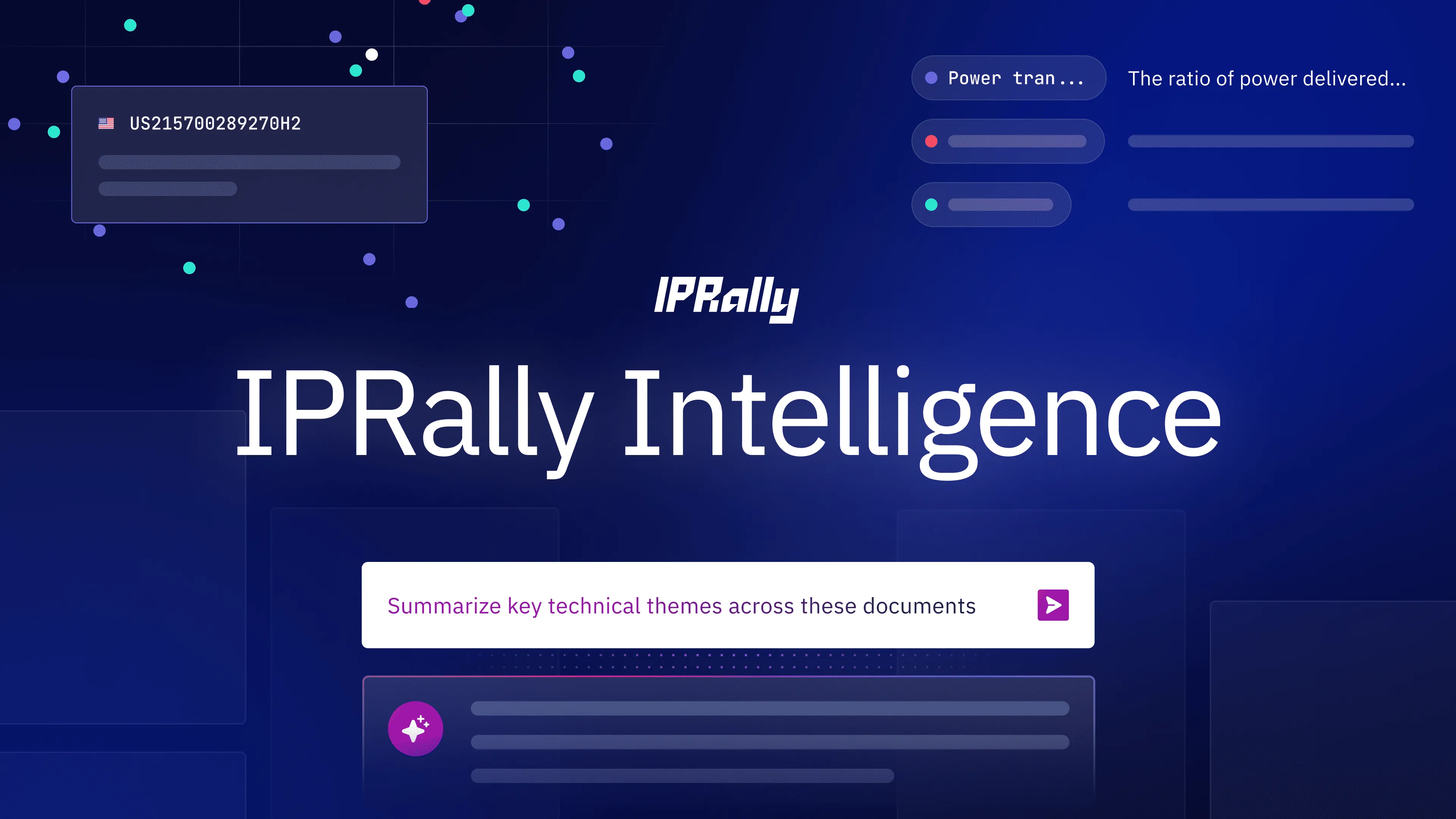
Analyst AI answers one question across the whole set and synthesises the result, using the full text and metadata of each document. It is built for landscape and portfolio analysis.
Q: Will Smart Tags replace the AI Classifier?
A: Smart Tags is the next generation of classification in IPRally and will take over from the AI Classifier over time. You describe each category in plain language, with no training data and no labelled examples. In internal benchmarking, Smart Tags performs comparably to our legacy custom classifier. Every tag comes with the reasoning behind it, so you can see why a document was placed where it was.
Q: Can I create my own categories for my portfolio and change them over time?
A: Yes. Write a description for each category and run Smart Tags on your portfolio. To change a category, edit its description and run it again. There is no retraining. You can also build a larger taxonomy in a spreadsheet and import it to create tag groups and tags in one step.
Q: Are Smart Tags effective at categorising chemical ranges in a composition?
A: Smart Tags reads the title, abstract and claims, so it can work with ranges that appear in the claims. Describe the range explicitly in the category, for example “compositions containing 5 to 20 wt% of X”. Then review the reasoning attached to each tag before you accept it.
Q: Are Smart Tags generated automatically, or do I write them myself?
A: You write the tags, and IPRally applies them. Each tag is a short technical statement that describes the category. In the demo, the tags were written in a spreadsheet and imported, which is a quick way to set up a larger taxonomy in one step. Once the tags exist, Smart Tags classifies every document in the set automatically and explains each prediction. You then accept or reject each one. Analyst AI can also be used, as demonstrated in the webinar, to suggest Smart Tags for certain technologies you can then apply to a document set.
Q: Can I choose what Smart Tags uses as the basis for classification, such as only the claims?
A: Smart Tags currently reads the title, abstract and claims of each document.
Workflows and integrations
Q: Can I generate reports from Analyst AI?
A: Both chats from Analyst AI and charts from Visualisation & Statistics can be exported to support report creation currently. Intelligence Agent will provide improved support for reporting and synthesising analysis into report-like outputs.
Q: Can I bring Analyst AI insights into other systems, for example through MCP?
A: IPRally search is available through MCP, so you can connect it to your own AI tools and combine it with internal data such as commercial insights. Smart Tags and Visualisation stay in the IPRally app, so a workflow built over MCP does not include them. You can build similar steps in your own LLM setup, with IPRally search as the backbone.
Q: Can AI predict what a competitor is working on but has not yet published?
A: No. Intelligence works on published patent documents, so unpublished applications are outside what it can see. It can show the direction of a competitor's published filings over time, which you can read as one signal of where their work is heading.
Access, roadmap and your feature requests
Q: When can I get access to Intelligence?
A: Intelligence is in preview today for eligible Professional customers. Your company admin turns it on for each user, so teams stay in control of who creates tags. In Q4 it moves to its own Intelligence licence. If you are an existing customer, your account manager can talk you through access and what the change means for your team. If you are new to IPRally, request a demo and we can discuss arranging trial access.
Q: Is the Intelligence agent available yet?
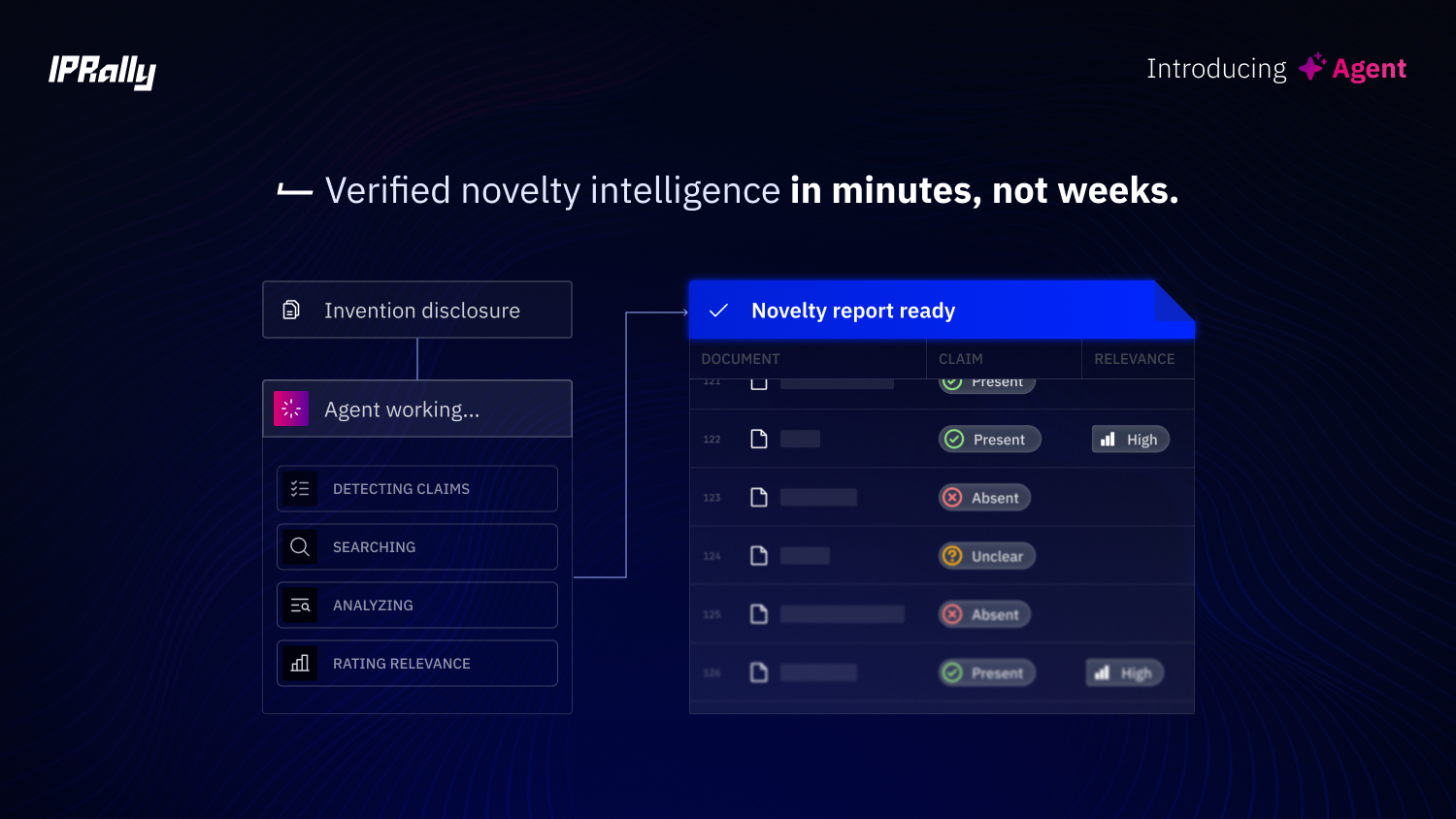
A: Not yet. The Intelligence Agent, which we gave a first look at in the webinar, is in internal testing and due for release next year. It guides an investigation from one question to a cited answer: it proposes how to search, tag and chart the set, and you confirm each step.
Q: How does pricing work?
A: Existing customers can ask their account manager. Everyone else can reach our team through iprally.com/demo or at sales@iprally.com.
Q: How do AI-generated claims compare with claims written by practitioners?
A: That is the subject of our next webinar. No More Drafting in the Dark: Prior-Art-Aware Patent Drafting with IPRally Protection runs on Wednesday 21 October 2026 at 10:00 CEST and 12:00 EDT, with IPRally CPO and co-founder Sakari Arvela. Register here.
Q: Is there a recording of the webinar?
A: Yes. Watch the recording here.
Q: Can I try IPRally Intelligence?
A: Yes. Tell us what you are working on and we will set up a demo and trial access. Request a demo.
.png)
.webp)