Where we started
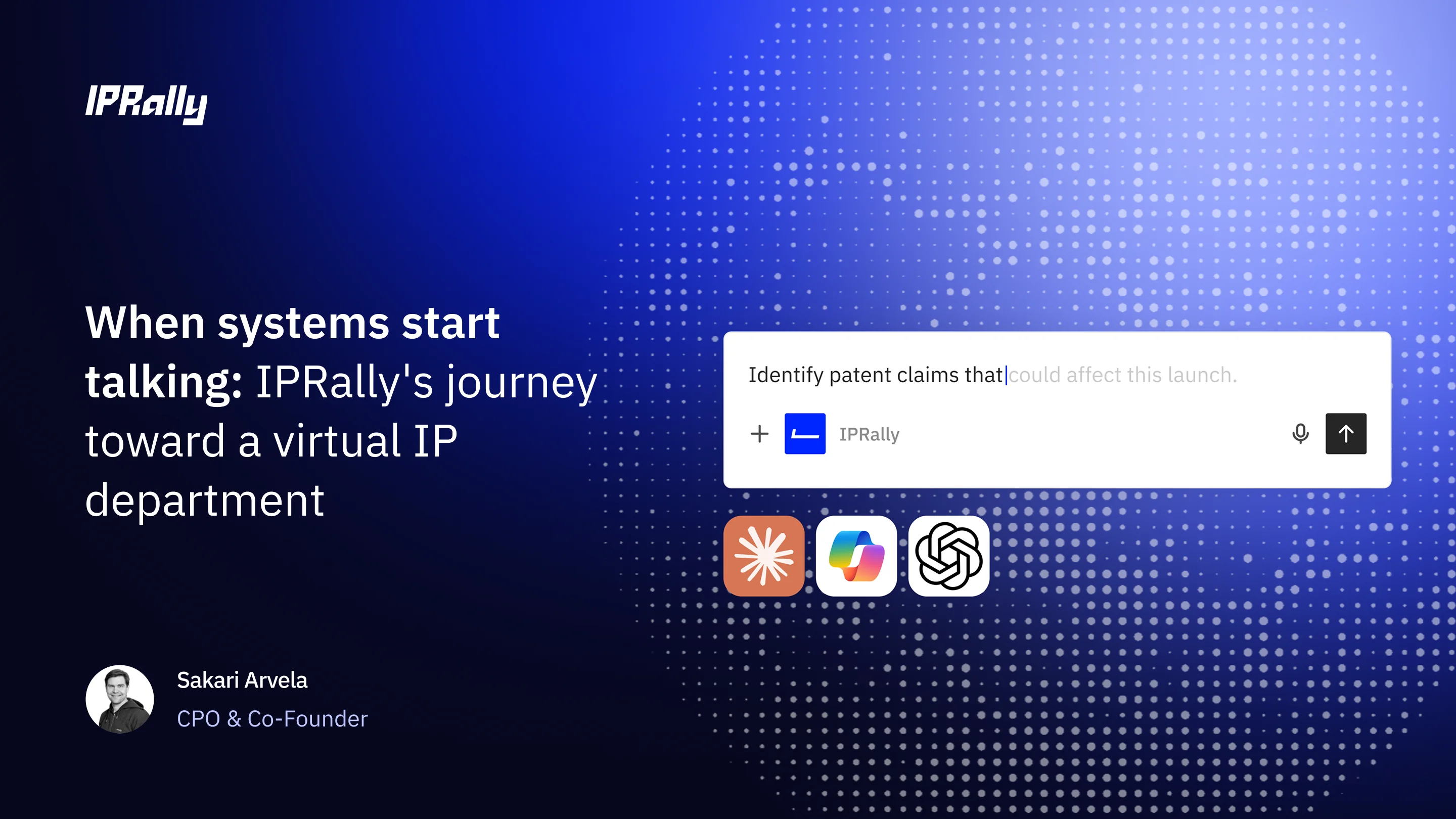
In July, we released the IPRally MCP in preview. It put IPRally Search inside the AI tools patent teams were already using: Claude, ChatGPT, Microsoft Copilot, Cursor, and other MCP clients. Your agent could run an AI similarity search, a Boolean search, or pull a full patent document in the middle of a conversation.
We have kept building on this foundation since then. Your agent fetches IPRally’s search method as skills, so it searches the way our own searchers would without a long prompt from you. Patent documents now come back with legal events, anticipated expiry, and citation categories.
Preview users put it to work on prior art and novelty searches, invalidity, landscaping, claim charts, and FTO. One patent practitioner told us:
“It makes agentic patentability analysis possible because I can rely on the accuracy of the IPRally search while leveraging LLM pattern matching strengths to identify novelty theories in minutes that would have taken me hours.”
They also told us what they wanted next.
Bring your own work into the conversation
By the time you open your AI assistant, you have usually done a lot in IPRally already. A tag set you trust. A collection you curated over weeks. An agent run with a finished report. The most common request from preview users was simple: let the agent use that.
Now it can. The MCP reads your saved IPRally work:
- Collections and tags. List the documents in any collection or tag, with IPRally links, your export columns, comments, and tags.
- Search cases. Pick up the results of a search you ran in the app.
- Agent runs. Read the report and deliverables from a Novelty Search Agent or Invalidity Agent run.
- Projects. Work across everything you’ve grouped for a matter or a technology.
- Search inside your tags. Filter a new patent search by your own tags, so R&D stays within an approved set.
- Narrow with Boolean. Cut any saved item down with a Boolean expression before the agent reads it.
To hand something over, open Export on any collection, search case, project, or agent run and choose Copy as prompt for Agent with IPRally MCP. Paste it into your agent and it starts on that item.
The agent sees exactly what you see in IPRally. It can read items you own and items shared with you, your user group, or your company, following the same rules as the app. It never sees who else an item is shared with.
Three ways teams are using it
1. From agent run to claim chart
Run the Invalidity Agent in IPRally against the patent you’re challenging. When it finishes, copy the run as a prompt and paste it into your LLM of choice:
“Read this agent run report. For the top five references, chart each one against claim 1 of the target patent, quoting the passages you rely on. Flag any feature you can’t find.”
The agent works from references IPRally already ranked, and every passage links back to the document in IPRally so you can check it.
2. A landscape across your collections
Point the agent at the collections you’ve built for a technology area and combine them with your own data:
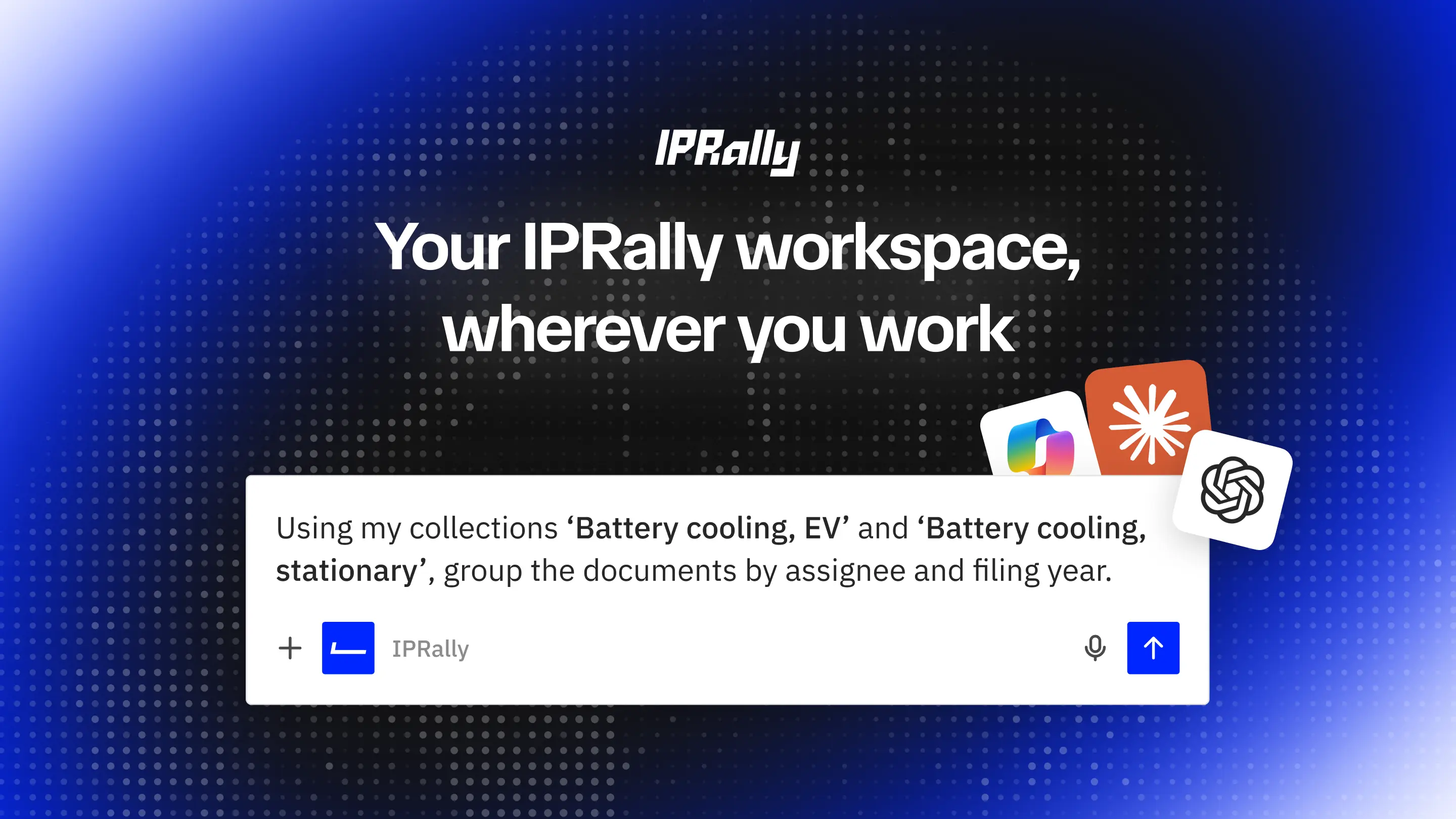
“Using my collections ‘Battery cooling, EV’ and ‘Battery cooling, stationary’, group the documents by assignee and filing year. Then compare the top 10 assignees with the competitor list I’ve attached.”
Your agent pages through the documents and does the grouping and charting in the chat. One preview user ran a list-based study like this across more than 1,300 companies.
3. IP curates, R&D asks
The IP team builds a collection of relevant patents, then shares it with R&D. Engineers ask questions about it from their LLM without leaving their own tools:
“The IP team shared with me a new collection, can you check how that holds with the patent I’m working with?”
The IP team keeps control of the document set and R&D gets answers grounded in those documents.
Why the answers hold up
General-purpose LLMs are good at reasoning over documents, drafting, and formatting. Finding the right prior art is a different job. IPRally’s proprietary AI is trained on patent examiner citations and how professionals find information.
The MCP lets each part do what it’s best at. IPRally does the patent search and analysis. Your AI does the reasoning, the formatting, and the work with your other data. You choose the model, and every result links back to the passage or figure in IPRally so you can verify it.
Security and data
- Read-only. The MCP reads your saved work. It can’t create, edit, or delete anything in IPRally for the time being.
- Your own account. Each person connects with their own IPRally login, so access follows your license and your sharing rules.
- Searches aren’t stored. Search text, Boolean expressions, filters, and seed patents sent through the MCP are not saved, and no generative AI runs on MCP calls.
- Same controls as the app. The MCP runs in the same location as IPRally, with encryption at rest, on infrastructure covered by IPRally’s ISO 27001 certified information security management. See our trust center for more information.
How to connect
Read-only access is live for Pro and Lite users with MCP access on their account. Pro users get full access. Lite users get up to 100 results per search, now also including Boolean search and filters.
In Claude, add IPRally from the Connectors Directory. For ChatGPT, Microsoft Copilot, Cursor, and other MCP clients, follow the setup steps in our help center. If you connected IPRally before October 30, reconnect it to give your agent access to your saved work.
See it live on November 4
John Paul Keeler, our Head of Solutions Consulting, and I will walk through these workflows in our webinar, Patent answers, inside the AI you already use, on Wednesday, November 4. Customers will show how they use the MCP in their own work, and we’ll preview what’s coming next. There’s also a poll on what we should build after that, so feel free to bring your requests.
- Europe: 10:00 CET
- Americas: 12:00 EST
Save your place for the November 4 webinar
Not using IPRally yet? Book a demo to see the MCP working on your own technology.